
Advanced Prompting: Where Did the Job Go Over Budget?
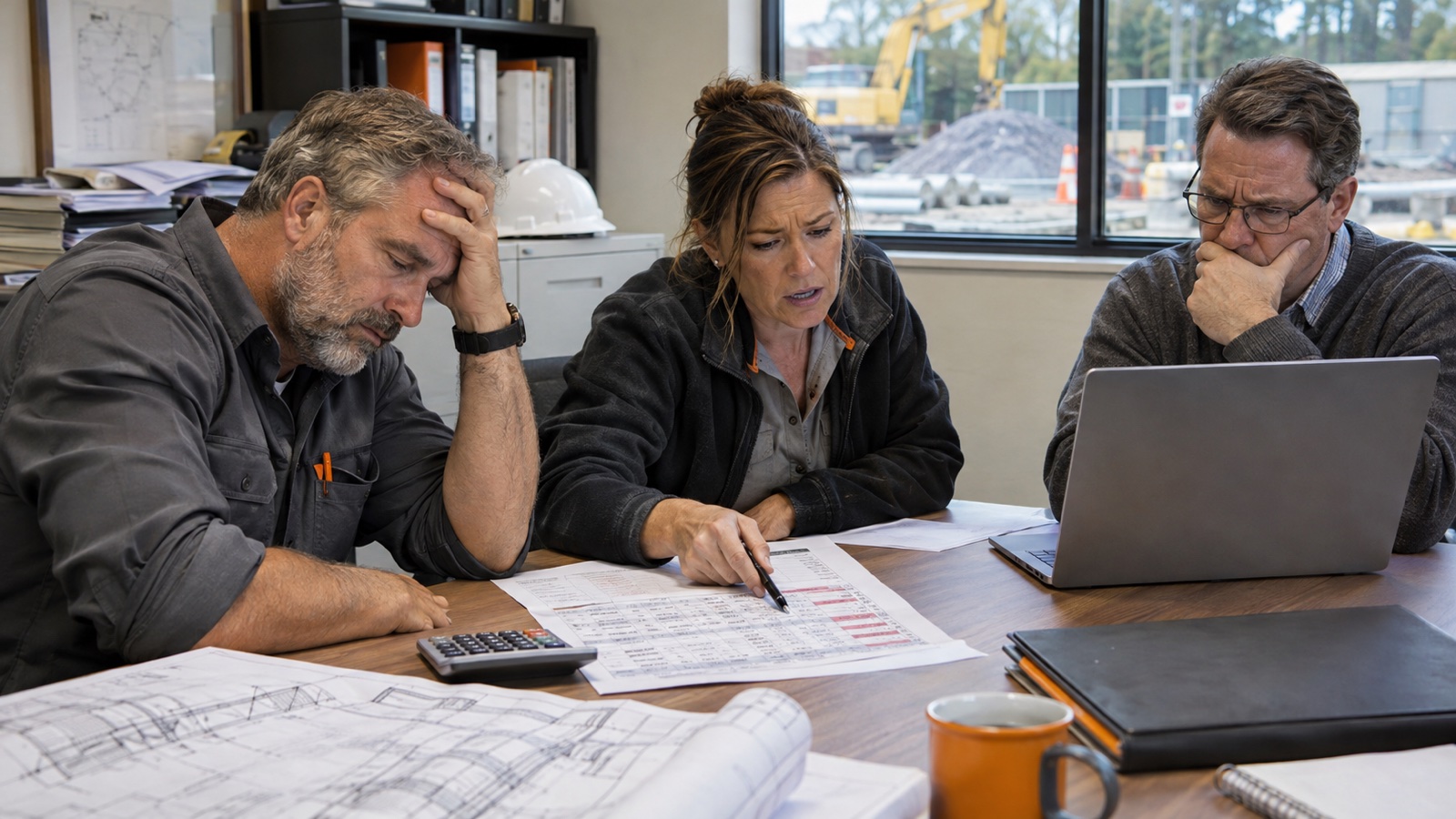
A practical AI prompt to compare your estimate, approved changes, and actual job costs without jumping to conclusions.
If somebody tells me a job went over budget, my first question is pretty simple: Which budget?
The number we carried when we bid the job? The revised budget after approved change orders? Or the latest forecast of what it will cost when we’re finished? Those are three different conversations, and mixing them together can send a project review in the wrong direction.
I’ve been thinking about how construction teams can use AI to get a better handle on this. Not to have a chatbot announce who’s responsible for an overrun, but to help a PM, estimator, and office team get the records lined up before the meeting starts.
Here’s a prompt I’d try with approved project information, plus the checks I’d make before trusting the result.
Start with the question behind the question
“Where did we go over budget?” sounds straightforward until you open the files. Maybe labor ran higher than estimated. Maybe the owner added scope and the approved budget changed. Maybe a purchase order is still open, or an invoice landed after the last cost report. Or maybe the cost codes in the estimate don’t line up with the codes in accounting.
Those situations need different follow-ups. An AI summary that rolls them all into one “overrun” number might look impressive and still be wrong.
I’d start with one project, preferably one your team knows well. Have the estimator and PM agree on what counts as the original estimate, what counts as an approved change, and which job-cost report is current. If you’re comparing an unfinished job, make sure everybody knows that actual cost to date is not the same as final cost.
What I’d give the AI
You don’t need to dump every file in the company into a chat. I’d gather the records that answer this particular question, and only in a system your company has approved for them.
First, the original estimate or accepted job budget, with cost codes and the date it was finalized. Next, the approved change-order log and any revised budget that shows how those changes were applied. Then the current job-cost export, including its report date, and a separate commitments or forecast report if you’re reviewing a job that’s still underway.
If you have a cost-code crosswalk, include that too. Otherwise the system may try to compare categories that only sound alike. I’d also check whether costs include burden, subcontract commitments, taxes, and other items consistently. The people who know the accounting setup need to settle those definitions.
Before asking for insights, I’d want the AI to tell me which files and fields it could actually read. A spreadsheet with a hidden tab or a PDF with unreadable tables is not something I want quietly left out.
The prompt I’d use
You can copy the next two paragraphs into an approved AI workspace that can read the supplied files and perform verifiable calculations. Replace the bracketed details with your project information.
Review the approved records for [project name]. Before analyzing, list each file, its report date, the cost fields you can read, and anything missing or unreadable. Identify the original estimate, approved budget changes, actual costs to date, remaining commitments, and forecast separately. Confirm whether cost codes, dates, and definitions are comparable. Ask me to clarify material differences before proceeding. Do not count a committed cost again if it is already included in actual costs, and do not treat unapproved changes as approved budget.
Using the agreed definitions, compare the original estimate, revised approved budget, and actual costs by comparable cost category. If this job is incomplete, show actual-to-date and forecast-at-completion separately. Show calculations, dates, and source rows or pages for the largest variances. Flag missing data, duplicate entries, small or mismatched categories, and any totals you cannot reconcile. Give me up to three issues worth investigating, separating documented facts from possible explanations. For each, suggest a question for the PM or estimator and the record we'd need to answer it. Don't assign blame, invent causes, or change the source files.
Notice that I’m not asking it to “find who messed up.” I’m asking it to organize evidence, show its work, and tell us what it still doesn’t know.
What a useful answer looks like
1. A reconciliation before a recommendation
I want to see the original budget, the sum of approved changes, and the resulting approved budget, with a way to trace each figure. If the totals don’t reconcile, that’s the first finding. We shouldn’t skip past it to a colorful chart.
On an active job, I also want the difference between what we’ve already spent, what we’re committed to spend, and what we currently expect to spend in total. Those numbers can overlap depending on how the reports are built. That’s why the accounting definitions matter.
2. The biggest comparable differences
Say the report flags a labor variance. That’s useful only if the estimate and job-cost records are using comparable labor categories and dates. If one report includes burden and the other doesn’t, we have a reporting question before we have a labor-performance question.
The AI should show the calculation and where it found the numbers. I’d have someone on the team spot-check a few rows against the original files. A neat answer isn’t the same as a checked answer.
3. Questions people can actually answer
A good result might be: “These three cost categories deserve a closer look. Here’s what the records show. Here’s what could explain it, and here’s the document or person who can confirm.”
That’s a much better starting point for a project review than a list of supposed mistakes. The PM may know about a field condition that isn’t reflected in the cost export. The estimator may know which allowance was carried. The office may know an invoice was coded differently. The system doesn’t know those things unless the evidence is there.
A small example of why the definitions matter
Let’s use fictional numbers, just to show the distinction. Imagine a job was originally budgeted at $1,000,000. Approved changes added $100,000, making the revised approved budget $1,100,000. The final comparable cost was $1,130,000.
Against the original budget, that’s $130,000 higher. Against the revised approved budget, it’s $30,000 higher. Both comparisons are mathematically valid, but they answer different questions. Neither number tells us the cause. And neither, by itself, tells us the job’s profit margin, because we haven’t included revenue.
That’s exactly the sort of distinction I’d want a prompt to preserve. The example is illustrative, not an AB-09 customer result.
What I’d do after the first answer
I wouldn’t ask for fifty more recommendations. I’d take the top two or three issues into a meeting with the people who know the job. Pick one variance, pull the underlying records, and decide whether it’s an estimating assumption, a scope change, a cost-coding issue, or something else. If the records don’t settle it, write down the question instead of forcing an answer.
Then I’d use what we learned before the next similar project. Maybe there’s an allowance we need to revisit. Maybe a handoff question needs to be asked earlier. Maybe we need a more consistent cost-code mapping. The goal isn’t a clever AI report. It’s a better conversation that changes what we do next.
Why private AI makes this more useful
This is where the privacy conversation becomes real for construction folks. The most useful information may be the information a company is least comfortable sending to an outside AI provider: estimates, subcontractor pricing, actual costs, and internal project notes.
That’s why we built the AB-09 Private Intelligence Appliance at AutomateBetter. It’s a physical AI system installed in your office. Your team works with approved information through a familiar browser interface, and the AI processing happens inside your company’s network rather than sending prompts and files to an outside AI model.
For bidding and job-cost analysis, we work with your team to agree on the data formats and check the calculations. We coordinate with your existing IT provider, train your people, and handle agreed maintenance and support. We’re based in Dover, NH, and work with construction companies across New England.
Local processing doesn’t magically make every answer correct, and it doesn’t replace sensible access controls. It does give companies a way to ask more specific questions using approved internal information while keeping that AI processing in-house.
Start with one job and one good question
If I were starting this tomorrow, I’d choose one familiar job, gather the right versions of the estimate and cost reports, and run the prompt with someone who can check the numbers. I’d rather come out with two questions worth investigating than a confident explanation nobody can verify.
For folks who want to see how we can set up this kind of work privately, take a look at the AB-09 Private Intelligence Appliance and book a demo. Tell us what kind of project-cost question your team is trying to answer. You don’t need to send confidential project files with the demo request.